⌘-click, ⌘W, ⌘Q from your trackpad
Three trackpad gestures for macOS 27.
Runs in the background with no Dock or menu bar icon.


Tap between fingers
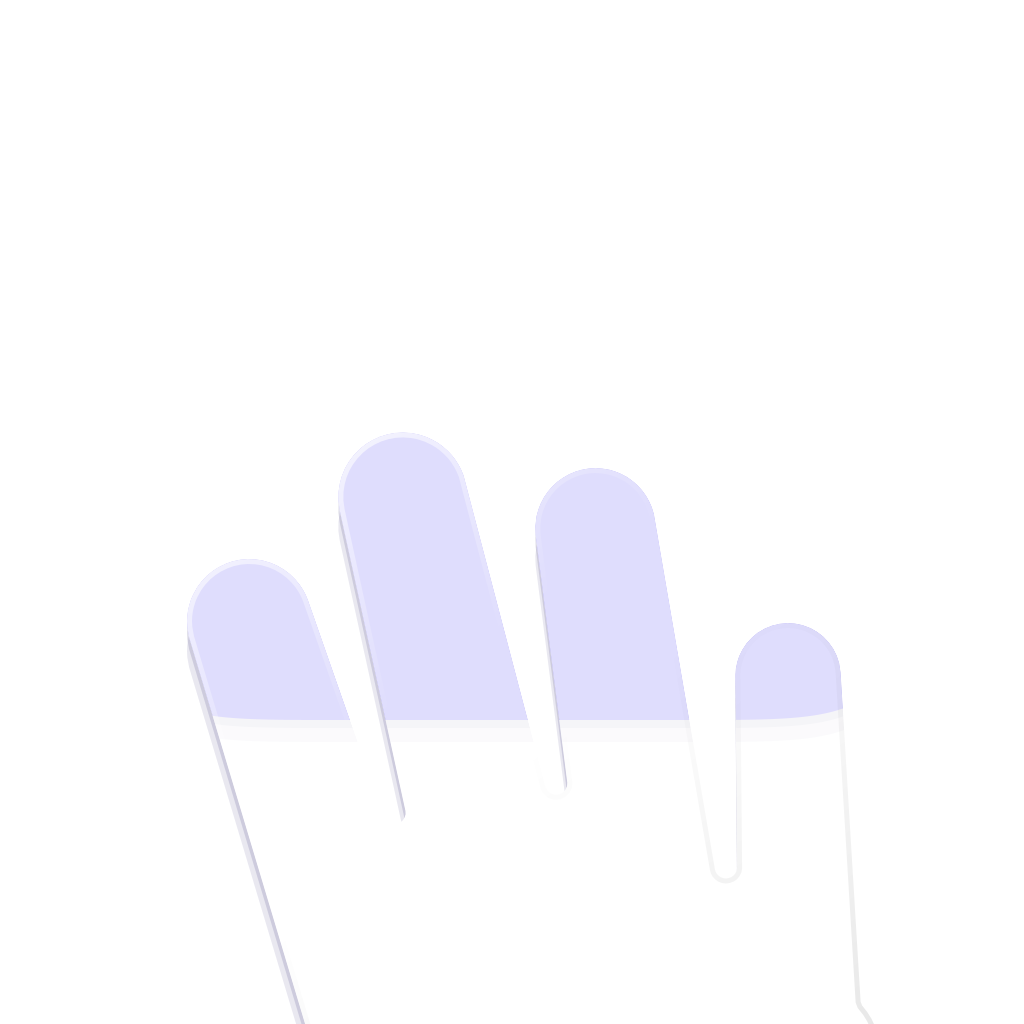
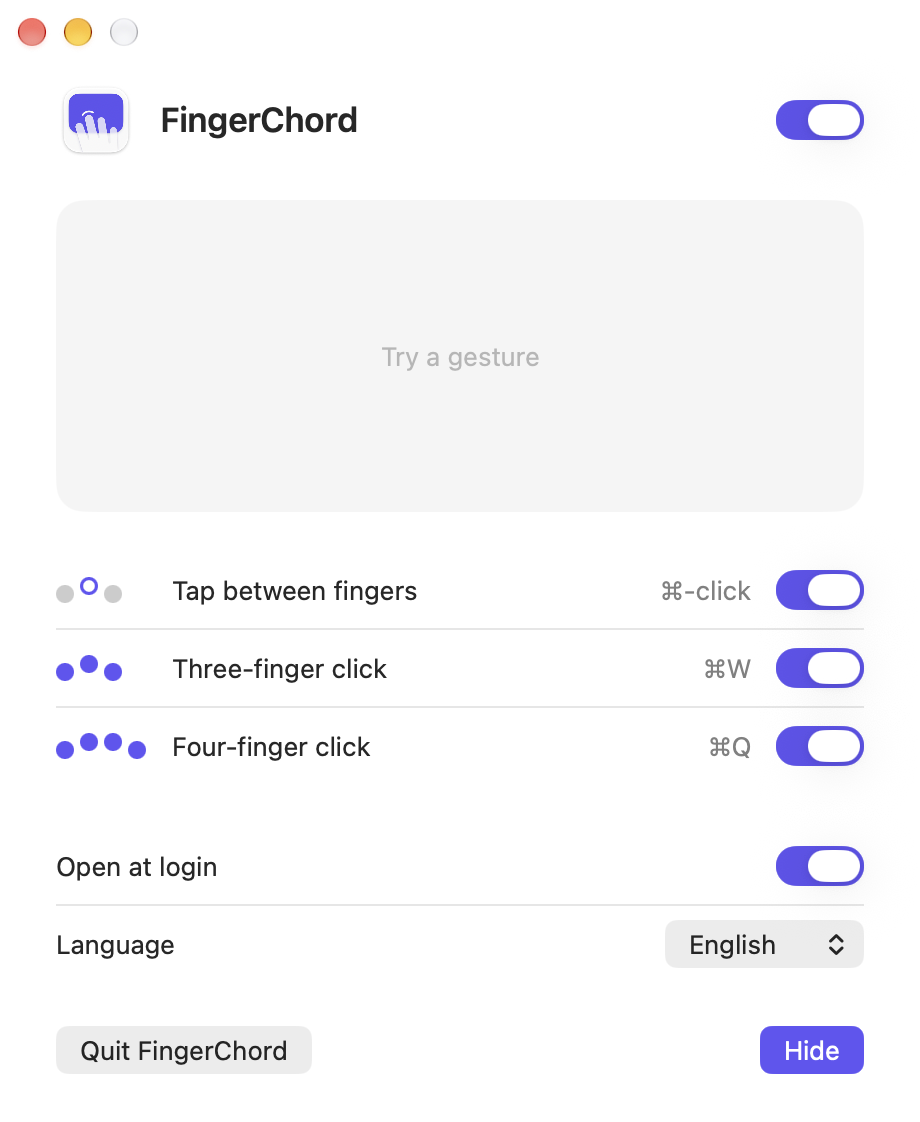
Rest your index and ring fingers on the trackpad, then tap your middle finger between them to ⌘-click. Each tap gives a single haptic pulse. Open links in new tabs or select multiple files in Finder; keep the outer fingers down to tap again.
Three-finger click
Click the trackpad with three fingers to close the active window or tab. It takes a real press, and the trackpad keeps its usual click feel.
Four-finger click
Click with four fingers to quit the frontmost app. If you’d rather not risk quitting by accident, turn this one off in settings.
Set it once, close the window
While this window is in front, gestures show up in the trackpad preview instead of firing, so you can try them safely. Each gesture has its own switch. Close the window and FingerChord keeps running in the background at 0% CPU when idle and about 10 MB of memory. It stays offline and never reads keystrokes or window contents. Open the app again to get back to settings.
Questions
Why does it need Accessibility and Input Monitoring?
macOS requires both for an app that watches trackpad clicks and sends shortcuts. Download the notarized DMG, drag FingerChord into Applications, open it, and follow the prompts to turn both on in System Settings → Privacy & Security. Everything happens on your Mac; it never goes online or reads keystrokes or window contents.
Where is it after I close settings?
FingerChord stays out of the Dock and menu bar. To get back to settings or quit, open FingerChord again from Applications or Spotlight.
Why don’t gestures work while settings are open?
When the settings window is in front, gestures only show in the preview, so a three- or four-finger click doesn’t close the window you’re testing in. Switch to another app or close the window and they work normally.
Does it slow down normal clicks?
One- and two-finger clicks are never delayed. Clicks with three or more fingers wait up to 80 ms to check for a gesture, then go through as usual if they aren’t one.
Which Macs and trackpads are supported?
macOS 27 only. It has been tested on the built-in trackpad of Apple silicon Macs; the Magic Trackpad is untested. It relies on the private MultitouchSupport interface, so future macOS updates may need an app update.
What if I don’t use a US keyboard layout?
⌘-click works with any layout, but ⌘W and ⌘Q are sent by US key position. On other layouts those keys may type different characters.